


Just as you’re about to close an important business deal or finally confess your feelings to your long-time crush, the call drops, or the internet connection falters. Frustrating, isn’t it? But don’t fret, because now you say goodbye to dropped calls and slow internet speeds at home once and for all.
With a little know-how on cellular signal boosters from brands like CelFi Two ways radios, you can transform your home into a connectivity haven where crystal-clear calls and lightning-fast internet reign supreme. So, dive in and discover the secrets to staying connected, and bid adieu to communication woes!
Identify the Issues
Before you can conquer dropped calls and slow internet speeds, identify the factors causing these problems. There could be several culprits, including:
Distance from the cell tower: If you live far away from a cell tower, your signal strength may be weak, leading to dropped calls and slow internet speeds.
Building materials: Some materials, like metal, concrete, and certain types of glass, can block or weaken cellular and Wi-Fi signals.
Interference: Electronic devices, appliances, and even other wireless networks can interfere with your connection, resulting in poor performance.
Once you’ve pinpointed the issues, you can take targeted action to improve your home’s connectivity.
Optimise Your Smartphone Settings
Sometimes, the solution to dropped calls and slow internet speeds is right in your hands—your smartphone. Optimising your device’s settings can improve its performance and ensure a better connection. Here are a few tips:
Update your software: Keep your smartphone’s operating system and apps up to date, as updates often include performance improvements and bug fixes.
Disable unnecessary features: Turn off features like Bluetooth, location services, and mobile data when not in use to conserve battery life and reduce interference.
Enable Wi-Fi calling: If your carrier supports it, enable Wi-Fi calling to make calls over your home’s Wi-Fi network instead of relying on the cellular signal.
Invest in a Signal Booster
Sometimes, optimising your device’s settings isn’t enough to banish dropped calls and slow internet speeds. In such cases, it’s time to bring in the big guns—a CelFi booster. This smart signal booster is designed to amplify your home’s cellular signal, ensuring robust and reliable connectivity. Here’s how it can help:
Improved signal strength: This signal booster can increase your home’s cellular signal strength by up to 100 times, allowing you to enjoy crystal-clear calls and fast internet speeds.
Wide coverage: The system covers up to 13,000 square feet, ensuring that every nook and cranny of your home enjoys a robust signal.
Carrier-specific boosting: Unlike some signal boosters, CelFi is designed to work with specific carriers, ensuring that it amplifies the signal you need without interfering with other networks.
Optimise Your Wi-Fi Network
A strong Wi-Fi network is essential for seamless connectivity at home. Here are some tips to optimise your Wi-Fi network and ensure fast, reliable internet speeds:
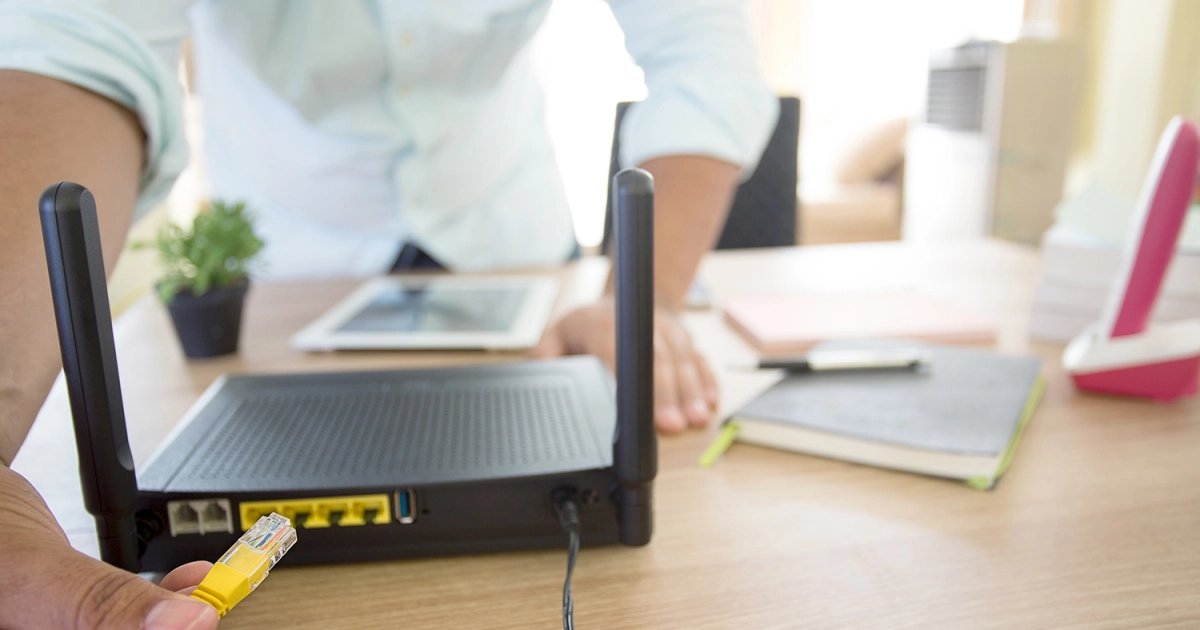
Router placement: Position your Wi-Fi router in a central location, away from electronic devices and appliances that may cause interference.
Update firmware: Keep your router’s firmware up to date to take advantage of performance improvements and security patches.
Wrapping up
Wave goodbye to the days of dropped calls and slow internet speeds at home by following these steps. By taking these steps, you’ll create a home where communication is clear and the internet is blazing fast. Now, go forth and enjoy the bliss of uninterrupted connectivity, and never again be haunted by the dreaded dropped call or buffering icon.